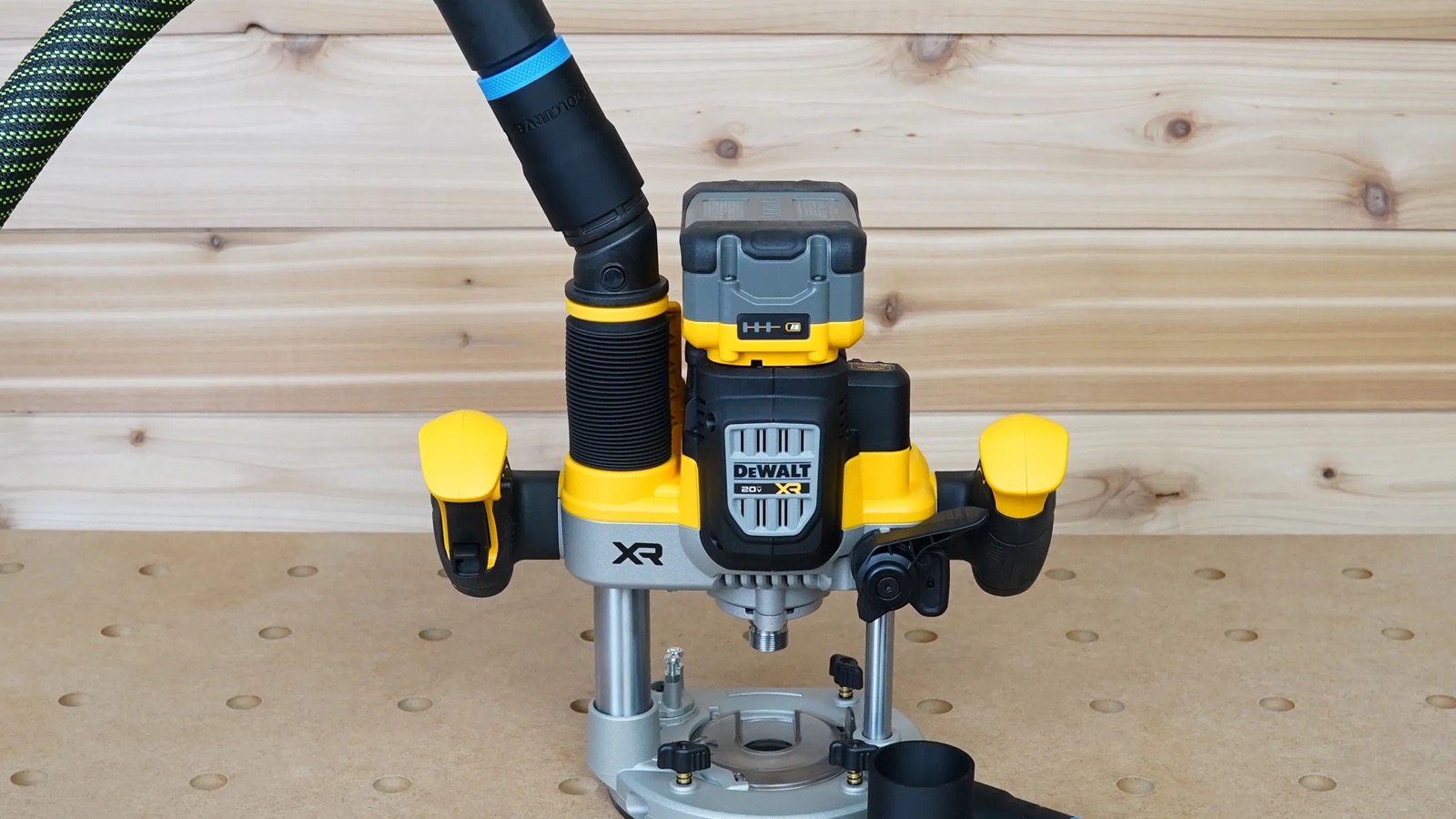
DeWalt router dust collection gets confusing because a working connection can involve two different parts. The first part captures chips at the router and creates a dust outlet. The second part adapts that outlet to the cuff on your dust-extractor or shop-vac hose. Buying only the hose adapter will not help if the router base does not already have its dust-collection attachment, while buying a dust shroud does not guarantee that your existing hose cuff will fit it.
The safest way to choose is to identify the exact router model and base first, then identify the hose by its end fitting rather than by the vacuum brand. A DCW600 compact router, a DCW620B cordless plunge router, and a DW616 or DW618 router do not share one universal tool-side connection.
Quick answer: match the router before the hose
| Router family | Tool-side dust-collection path | ToolCurve connection choice |
|---|---|---|
| DCW600 / DWP611 compact router | Use the dust attachment intended for the installed base. DeWalt documents separate fixed-base and plunge-base attachments. | Choose the complete hose-adapter cover if the compatible fixed base needs a dust port, or choose the separate trim-router hose adapter when a compatible dust outlet is already present. |
| DCW620B 2-1/4 peak HP cordless plunge router | The router includes an integrated AirLock-compatible dust port. | Use the adapter made specifically for the DCW620B port, then select the version matching the hose cuff. |
| DW616 / DW618 router | The relevant DeWalt base uses its own dust shroud and dust cap arrangement. | Use the adapter made for the DW616/DW618 dust port, not either compact-router adapter. |
DCW600 and DWP611: the cover is not the same as the hose adapter
DeWalt’s DCW600 manual shows separate dust-extraction attachments for the fixed base and the plunge base. For the fixed base, the attachment is secured to the base with thumbscrews; for the plunge base, a different attachment locks into the plunge base and is secured with its supplied hardware. Only after that tool-side attachment is installed does the manual direct the user to attach a hose adapter. DeWalt identifies the DNP615 as the fixed-base dust adapter and the DNP616 as the plunge-base dust adapter. Check the model and base in front of you because package contents vary and DeWalt says the attachments are included only with some models.
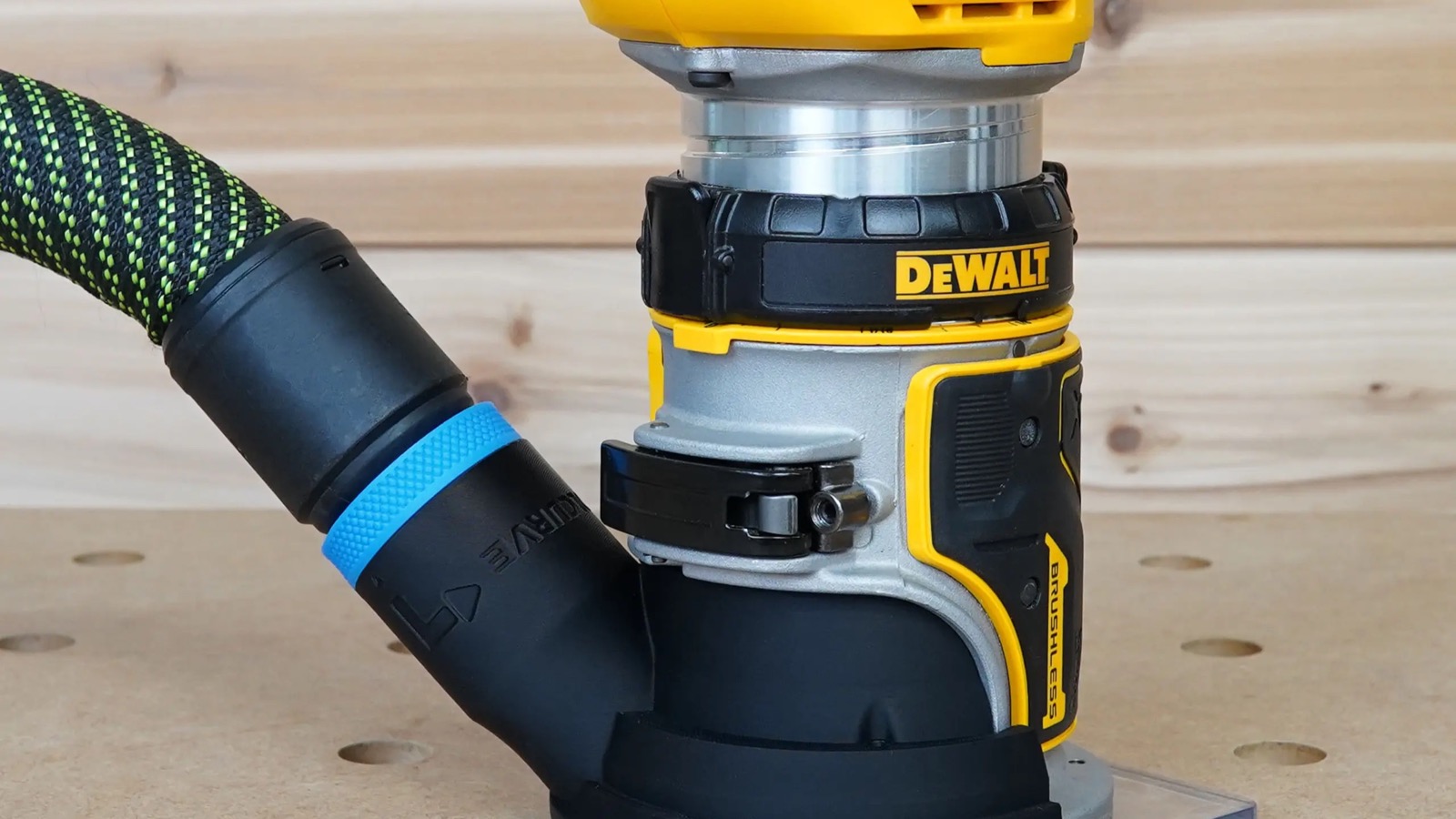
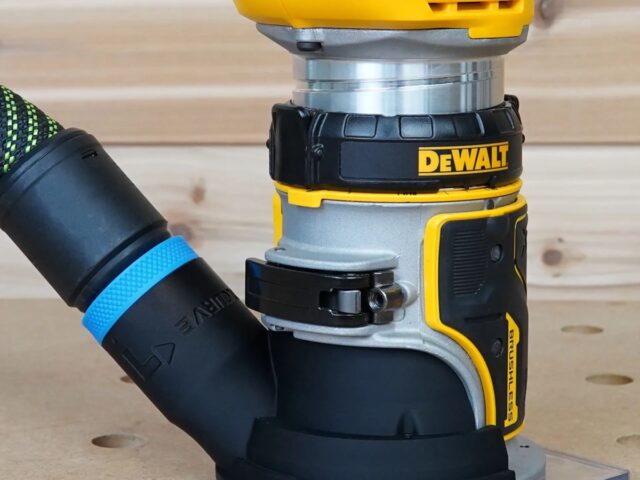
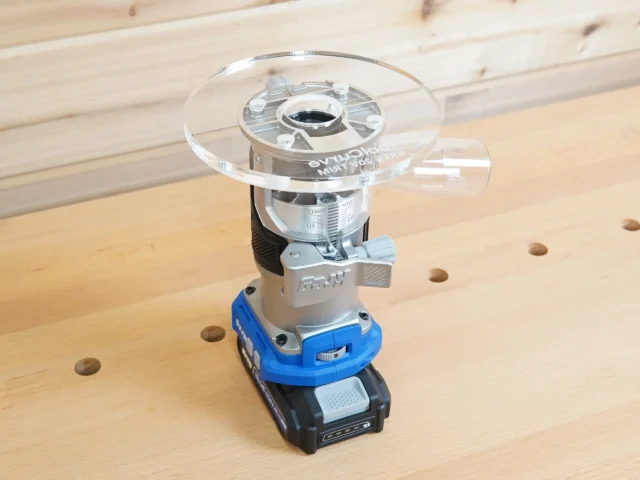
The ToolCurve hose-adapter cover for the DeWalt trim router is the complete-path choice shown above: it provides the dust port, fastens to the compatible base with the included M4 x 25 mm screw, and is ordered for the hose size you use. This is materially different from a small hose adapter that expects a dust outlet to be present already.
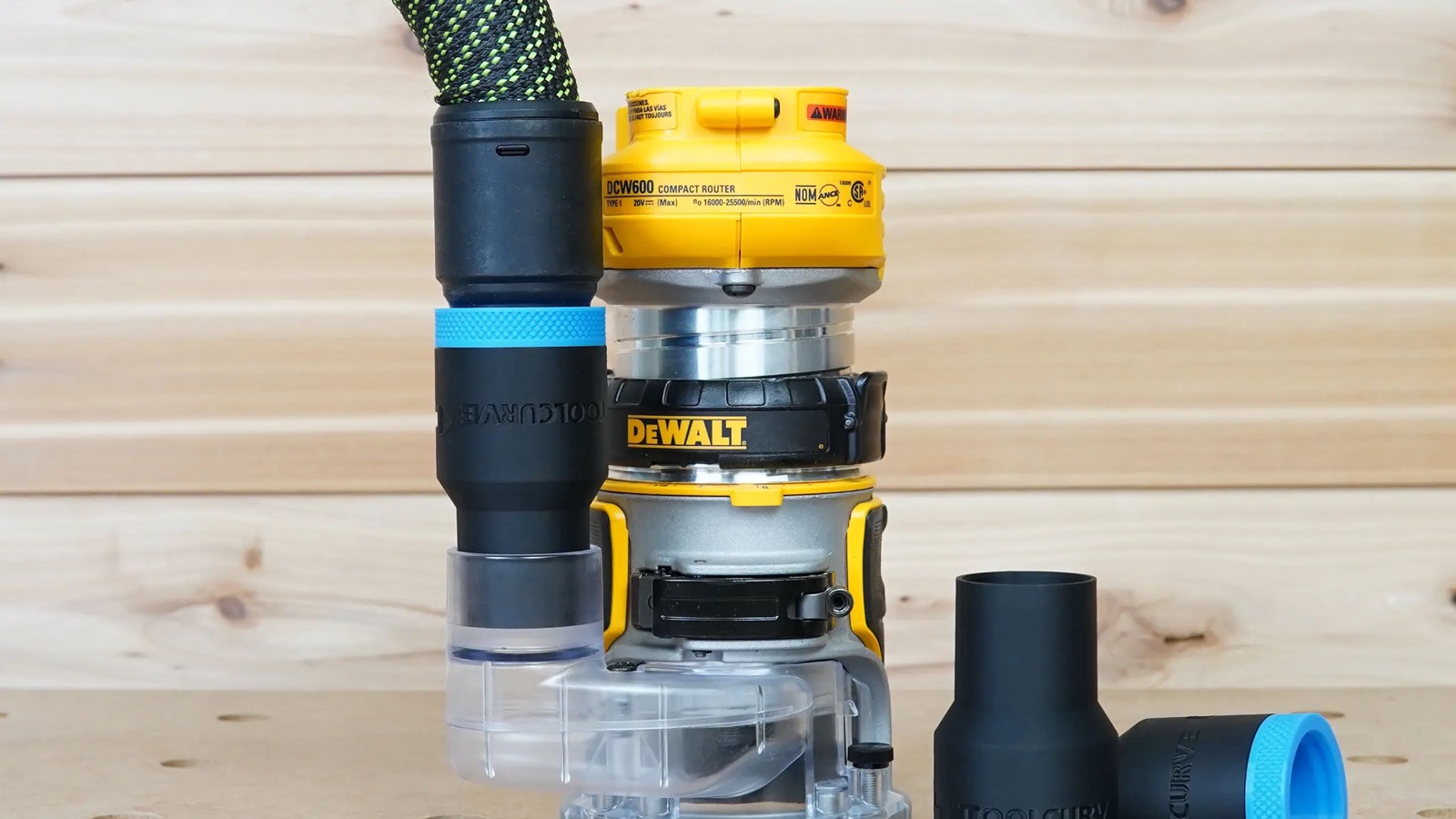
The separate DeWalt trim-router hose adapter is the other path. Use it when the compatible router base already has the appropriate dust-collection outlet and the remaining mismatch is at the hose cuff. The current product offers 27 mm, 36 mm, 1-1/4 inch, 1-7/8 inch, and 2-1/2 inch hose versions. Do not order it as a substitute for a missing base attachment.
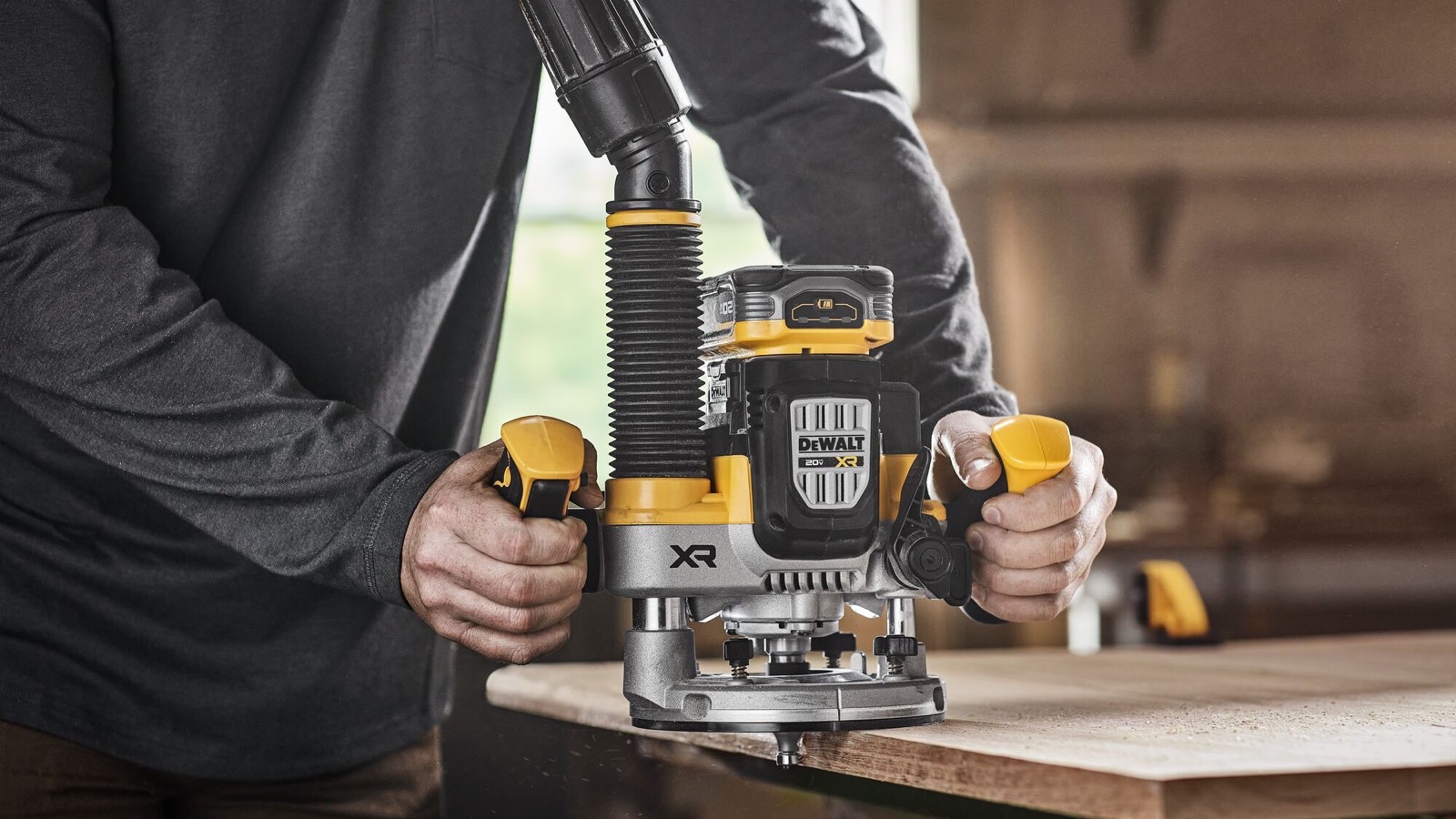
DCW620B: use the integrated AirLock-compatible port
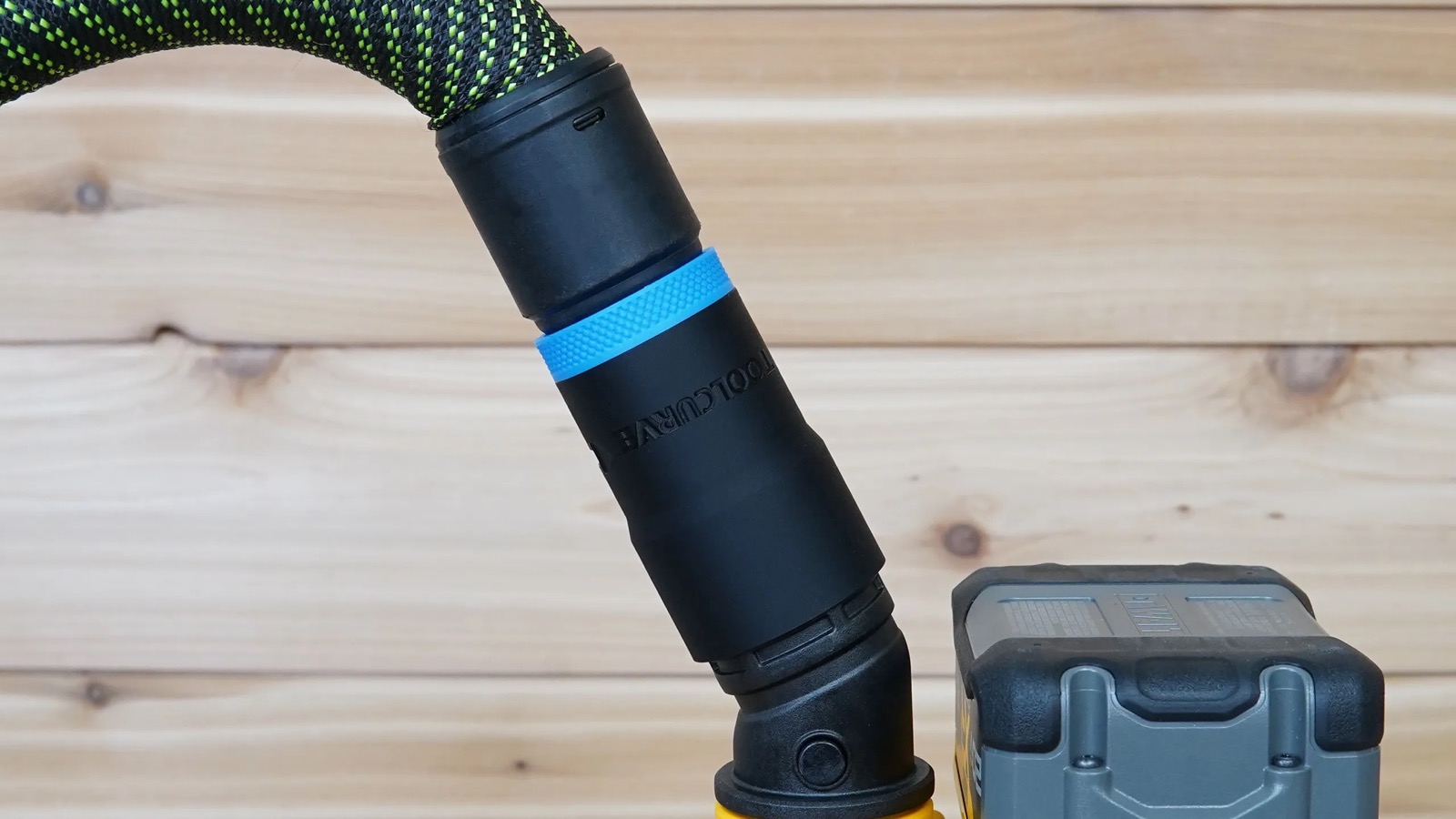
The DCW620B is a different router platform. DeWalt lists a dust port with AirLock compatibility among the parts included with the router, so it does not use the DCW600 fixed-base cover. The ToolCurve DCW620B hose adapter is shaped for that built-in port and is currently available for the same five hose families: 27 mm, 36 mm, 1-1/4 inch, 1-7/8 inch, and 2-1/2 inch.
DeWalt says the DCW620B can collect up to 97 percent of dust when cutting grooves in particleboard, but that figure has specific test conditions: the company used a DCBP520 battery and a DWV015 dust extractor, both sold separately. Treat it as a result for that stated setup, not a promise for every bit, material, routing direction, extractor, or hose.
DW616 and DW618: use the adapter for the larger router family
The DW616 and DW618 are not compact trim routers. DeWalt’s current combined instruction manual identifies a dust shroud and dust cap in the router assembly. The ToolCurve DW616/DW618 hose adapter fits that family’s dust port and should be selected instead of either DCW600 product. The current catalog page offers versions for 27 mm and 36 mm European-style extractor hoses as well as 1-1/4 inch, 1-7/8 inch, and 2-1/2 inch shop-vac hoses.
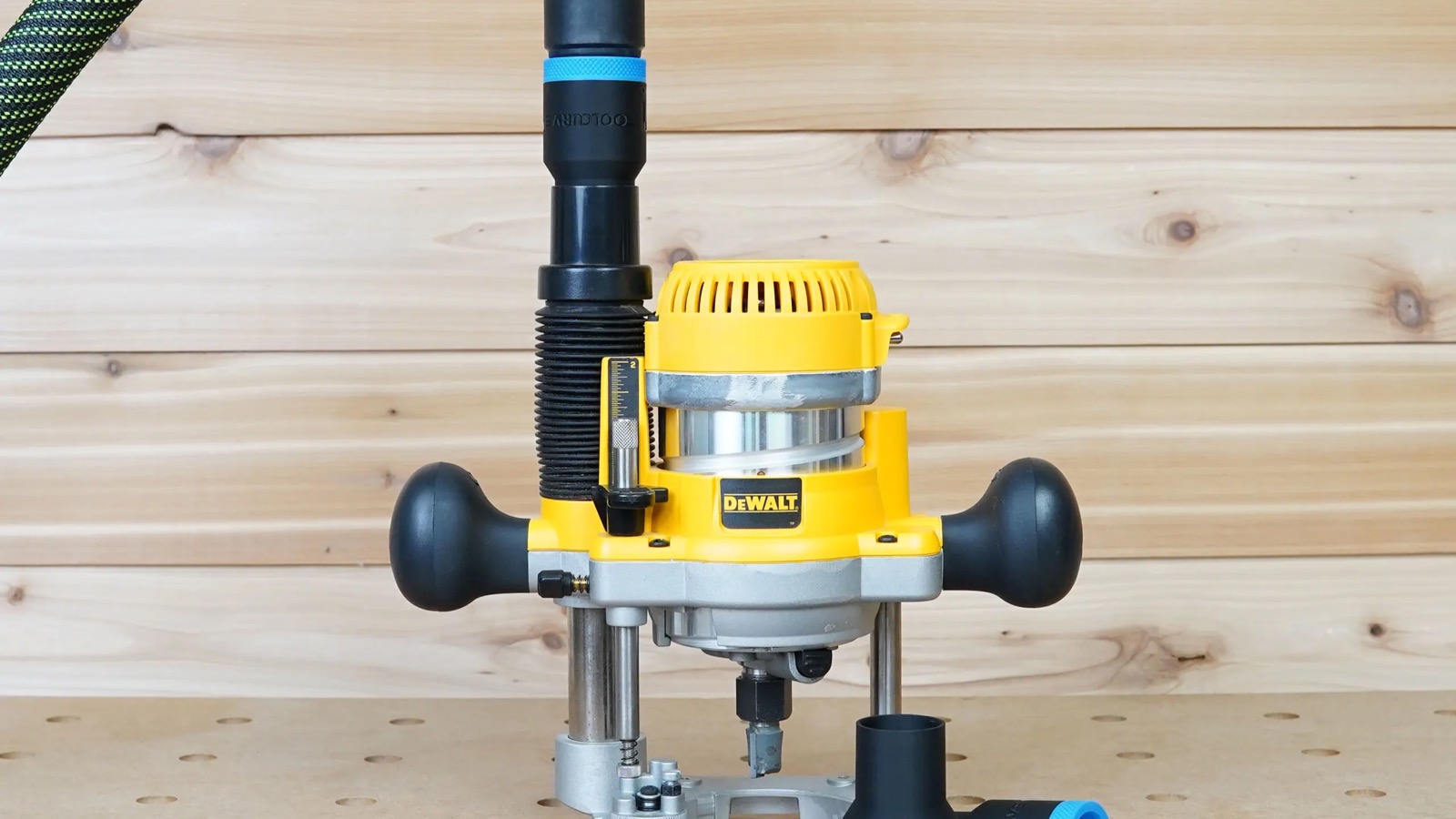
Base configuration still matters. Before ordering, compare the router’s model plate and the installed base with the product photos, then confirm that the shroud and outlet shown in the manual are present. A motor labeled DW618 does not make a compact-router cover fit, and a similar-looking round outlet is not proof of compatibility.
How to choose 27 mm, 36 mm, 1-1/4, 1-7/8, or 2-1/2 inch
Choose by the hose end that will actually meet the adapter. Do not measure the flexible hose body, assume every hose from one vacuum brand has the same cuff, or round a metric cuff to the nearest inch. ToolCurve’s current selector describes the 27 mm option by a 27 mm outside diameter at the tool-hose end and distinguishes it from the larger 36 mm connection. The three inch-labeled options correspond to common shop-vac hose families.
- 27 mm: a compact tool hose that is useful around handheld routers and often uses a twist-lock-style cuff.
- 36 mm: a larger extractor hose with a different cuff geometry and more cross-sectional area.
- 1-1/4 inch: the smaller common shop-vac hose size.
- 1-7/8 inch: a common mid-size wet/dry-vac hose, but cuff shape still needs verification.
- 2-1/2 inch: the large shop-vac hose family; confirm that the end fitting, not just the nominal hose, matches.
If you use a Festool extractor and are unsure which hose you own, see the ToolCurve guide to 27 mm, 36 mm, and 50 mm Festool hoses. Regardless of brand, compare the cuff to the photos and dimensions on the exact adapter page before ordering.
A practical installation check
- Make the router safe. Remove the battery from a cordless router or unplug a corded router before installing a cover, shroud, or adapter.
- Verify the model plate and base. DCW600, DCW620B, DW616, and DW618 are separate paths. On a compact router, identify whether the fixed or plunge base is installed.
- Install the tool-side dust part first. Follow DeWalt’s manual for the relevant attachment and supplied hardware. Hand-tighten the documented thumbscrews or fastener; do not improvise a connection near the bit.
- Fit the correct hose adapter. Confirm that it seats fully on the tool-side outlet and that the selected hose cuff is secure without forcing or distorting the part.
- Route the hose safely. DeWalt’s DCW600 manual specifically warns that the extraction system must be stable and the hose must not interfere with the work. Check the router’s full plunge and travel before switching it on.
- Test on scrap. Start with a shallow cut, watch for hose drag, and inspect whether chips are escaping around the shroud. Dust collection reduces debris; it does not replace eye, hearing, and respiratory protection appropriate to the material.
The simplest buying rule
Start at the router, not the vacuum. A DCW600 or DWP611 setup may need a base-specific dust attachment before it needs a hose adapter. A DCW620B already provides an integrated AirLock-compatible port, but still needs the adapter variant that matches your hose. A DW616 or DW618 uses its own shroud outlet and its own adapter. Once the tool-side path is correct, select the 27 mm, 36 mm, 1-1/4 inch, 1-7/8 inch, or 2-1/2 inch version by inspecting the actual hose cuff. That two-step check prevents most wrong-adapter purchases.
Comments